How to Make a Dedication Page That Feels Personal
Learn how to make a dedication page for a book or memory project. Get wording examples, layout rules, and print and ebook tips in one practical guide.
You've finished the family history book, or you're close enough to see the last page in your mind. The photographs are chosen, the stories have been gathered, and now the cursor is blinking on a small blank page before the first chapter. You want to honor someone important, but you don't want the words to sound stiff, reveal more family history than intended, or disappear when the book becomes an ebook.
Learning how to make a dedication page is less about filling space and more about making a few thoughtful decisions. You'll decide what to say, how the page should look, where it belongs, and how to prepare it for both print and digital reading.
Table of Contents
- What a Dedication Page Is and Why It Matters
- A Short History of the Dedication Page
- Writing the Words for Your Dedication
- Formatting and Layout Choices
- Privacy, Consent, and Family Sensitivity
- Print and Ebook Formatting Differences
- Your Final Dedication Page Checklist
What a Dedication Page Is and Why It Matters
A dedication page is a brief personal note placed in the front matter of a book. It addresses a person, group, family, community, or cause that matters to the author. In a memory book, it can feel like a quiet greeting before the reader enters the family's larger story.
The page doesn't need to explain the entire project. It doesn't need to list everyone who helped, describe the research process, or persuade someone to buy the book. Those jobs belong elsewhere, such as in acknowledgments, a preface, or an introduction. A dedication works best when it offers one clear gesture of affection, gratitude, remembrance, or purpose.
A useful test: If the sentence sounds like something you'd say to that person in a quiet room, you're probably close to the right tone.
Many authors use a simple construction such as “For…” followed by a name and a short thought. Others write directly to the recipient. Both approaches work. The choice depends on whether you want the page to feel private and conversational or more formal and ceremonial.
For a family memory project, you might dedicate the book to a spouse who helped preserve the stories, a parent whose life shaped the family, a child who will inherit the record, or someone who has died. If you're looking for broader ideas about remembrance before drafting, this guide to honoring someone can help you think about the emotional purpose behind the page.
The practical path is straightforward. First, settle the wording. Then place and format it as a distinct front-matter page. Finally, test the result in the formats your family will read, whether that's a printed book, PDF, tablet, or reflowable ebook.
A Short History of the Dedication Page
The dedication page has a much older history than its modest modern appearance suggests. Scholars trace the practice to classical antiquity, when writers used dedications to express gratitude and seek patronage. A dedication could help connect a work with a powerful supporter who might protect or finance its publication. (Dedication in publishing))
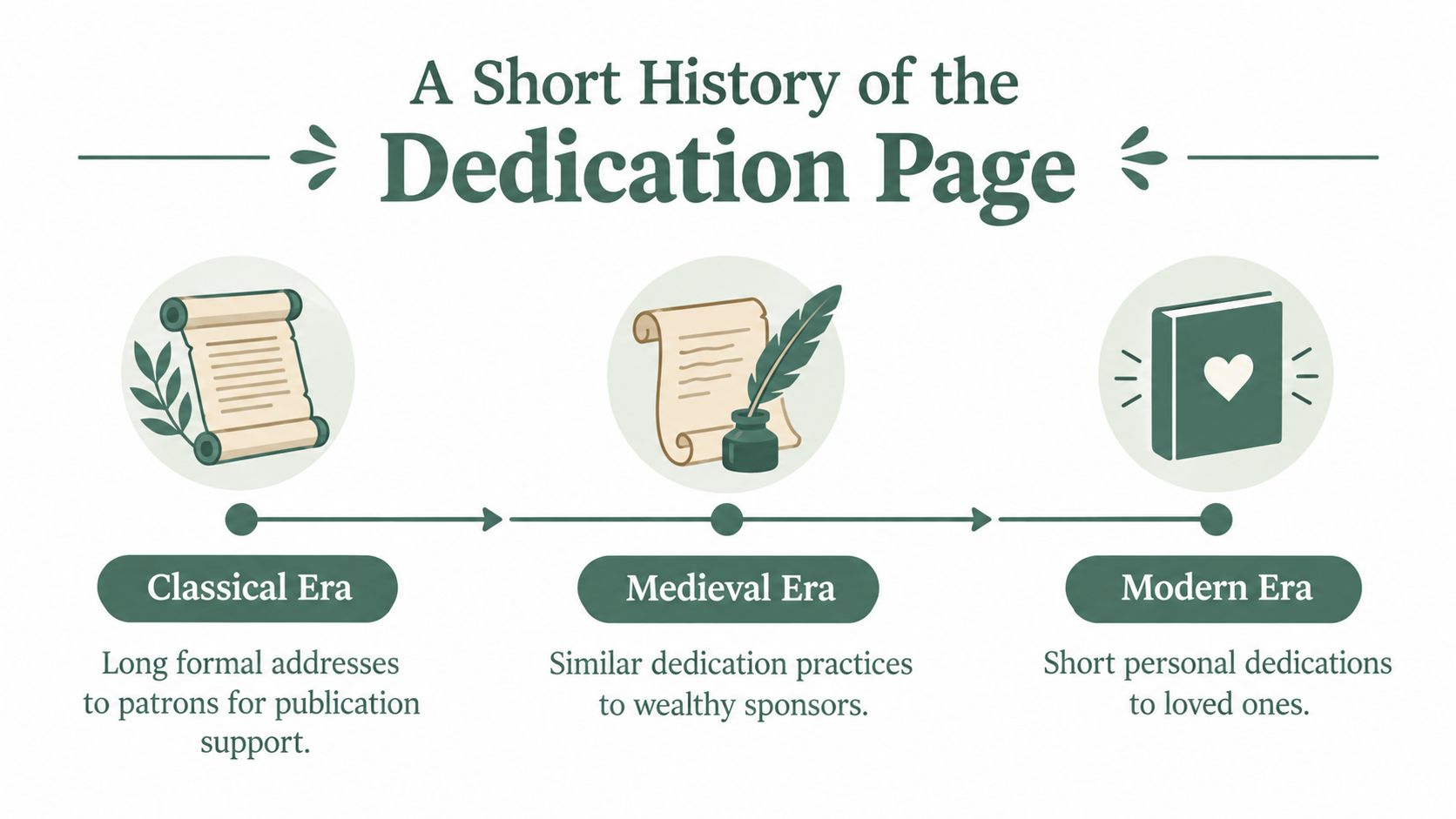
In medieval and early modern publishing, the practice continued. During the 16th to 18th centuries, dedications were often considerably longer and more formal than the short notes readers see today, partly because authors could depend on wealthy patrons rather than direct book sales. A dedication might address a ruler, noble family, or sponsor with elaborate praise.
That history explains why the page still feels separate from ordinary prose. It began as a public relationship between an author and a supporter, not as a casual note tucked into a manuscript. The front matter preserved that special position even after the economic purpose changed.
Modern authors usually dedicate books to people they love, remember, or credit with making the work possible. The patron's formal address has given way to a personal line for a partner, parent, child, friend, teacher, or lost loved one.
Why modern dedications are brief
A short dedication feels natural because its role has narrowed. It no longer needs to justify the book to a sponsor or demonstrate respect through ornate language. It needs to identify the person and express the author's intention.
That's why simple wording often carries more weight than grand phrasing. “For my mother, who taught me to keep the stories” may feel more honest than a paragraph of ceremonial praise. You can leave historical titles, elaborate compliments, and formal appeals behind unless they genuinely belong to your voice or the period represented by the book.
Writing the Words for Your Dedication
Write the words before you make layout decisions. A sentence that feels right in a notebook may need a line break, a shorter ending, or a different page position once it enters the book. Start with the person, the feeling, and the reason this particular book belongs to them.
A useful basic pattern is:
For [name], [brief expression of gratitude, love, memory, or purpose].
Use the examples below as patterns, not text to copy.
For a partner or spouse
For David, who stood beside me through every remembered story and every difficult page.
This example names the person directly, uses a first-person perspective, and connects the dedication to the work without explaining the entire project. You might make it more intimate, more understated, or more specific:
For Margaret, my companion in life and keeper of so many family stories.
A partner's dedication can be a single line. You don't need to summarize a marriage or mention every sacrifice. Choose one quality that feels true.
For a parent
For my mother, who taught me that ordinary days are worth remembering.
The sentence honors a lesson rather than creating a list of achievements. If the book preserves a parent's own life, you might write:
For Dad, whose stories gave this family its roots.
Avoid language that sounds borrowed from a greeting card if you wouldn't say it aloud. Plain words often make the tribute more believable.
For a child or newborn
For Emma, so you'll always know the people and places that came before you.
This approach gives the dedication a future-facing purpose. It speaks to the child while also telling later readers why the book exists. For a newborn, you could write:
For our little son, with love from the family whose stories you now carry.
If the child is a minor, consider whether using a full name is appropriate. A first name, nickname, initials, or family phrase may protect privacy while keeping the message personal.
For someone who has died
In memory of Helen, whose kindness still guides the way we tell our family's story.
A memorial dedication can acknowledge absence without trying to explain grief. Another option is quieter:
For Thomas, remembered with love and gratitude.
The strongest memorial wording doesn't need to prove how important the person was. It creates a respectful doorway into the pages that follow. For more prompts that can help you gather the memories behind the dedication, explore what to write in a memory book.
Keep the final version to one or two sentences unless a longer passage is essential. Read it aloud. Remove private references that an outside reader won't understand, and keep the words that sound unmistakably like you.
Formatting and Layout Choices
A dedication page should look intentional, but it shouldn't compete with the book. Treat it as a quiet pause in the front matter.
Use a simple placement checklist
- Give it a separate page: Place the dedication on its own page, commonly after the title and copyright pages and before the table of contents.
- Use the recto side for print: In a bound book, the recto is the right-hand page when the book is open. This placement gives the dedication a formal, visible position.
- Center the text: Center it horizontally and vertically to create a calm visual balance.
- Match the manuscript: Use the book's standard body font. A serif font at 11 or 12 points is a common print choice, especially when the dedication should feel like part of the book rather than a separate graphic.
- Leave off the heading: The page usually doesn't need the word “Dedication.”
- Omit the page number: The dedication itself is usually unnumbered, although it still belongs to the front matter when you prepare an ebook or PDF.
The page can be one line, a few centered lines, or a short stanza. Guidance for book production commonly favors one to three sentences, often under 40 words, with minimal decoration. (Publishing Xpress guidance on dedication pages)
Let the words control the design
A single line for a spouse may need generous empty space. A short memorial stanza may need slightly more room between lines, but it still shouldn't fill the page. Italics, small caps, or a small decorative symbol can work if those elements already appear elsewhere in the book.
Avoid adding a border, illustration, oversized font, or ornamental dingbat just because the page feels empty. Empty space is part of the design. It gives the reader a moment to pause.
Check widow and orphan control before exporting. A very short line shouldn't be pushed to the top of a page or separated from the rest of the dedication by an automatic paragraph setting. Print a proof or inspect the PDF at full size, then read the page as a reader would, not only as the person who formatted it.
Privacy, Consent, and Family Sensitivity
A dedication can be brief and still carry consequences. Naming someone publicly may surprise them, expose a family relationship, or raise questions the author doesn't want to answer. This matters especially in memory books, where private stories may sit beside names, photographs, dates, and recordings.
Consider a partner who would be hurt to be omitted. A private conversation can reveal whether they'd prefer their full name, a first name, or a phrase such as “my beloved companion.” The opposite situation can be harder. Including an estranged parent may reopen an old wound or suggest a relationship that no longer exists.
A stepchild's name can also create uncertainty. You may love that child while not being ready to explain the family structure to every reader. A nickname, initial, or collective phrase such as “for our family” can preserve the feeling without making the page more public than you intended.
Think carefully about vulnerable people
Minors deserve particular care. A child's name, photograph, and family story may already circulate online, but that doesn't automatically mean you should place every detail in a permanent book. Ask what the child might think of the dedication later, and whether a less identifying version would honor them just as well.
Public figures and other people whose names are visible online also have privacy interests. A dedication isn't the right place to reveal a personal relationship, medical detail, family conflict, or private anecdote without permission.
For someone who has died, focus on respect rather than disclosure. A sentence intended as an honest tribute may embarrass a surviving relative if it reveals a story they never knew. If the detail is important to the family record, it may belong in a fuller chapter or private archive, not in the brief public-facing dedication.
Before you finalize: Show the proposed wording to every living person named in it. Give them room to suggest a softer name or phrase, and save the final version only after that conversation.
You can also consider how the dedication fits into a wider plan for family records. Digital legacy planning guidance offers a useful context for deciding what should remain private, what can be shared with relatives, and what may eventually become part of a broader archive.
Print and Ebook Formatting Differences
The same words can behave differently in print and on a screen. A printed book gives you fixed pages, controlled typography, and a stable visual position. A reflowable ebook lets the reader change the font, size, spacing, and screen orientation, so pagination belongs to the device rather than the author.
In print, place the dedication on its own recto page after the half title and title pages, according to the front-matter plan for the book. Center the text vertically and horizontally, use the same serif family as the body when appropriate, and let the printer or typesetter handle the final page geometry.
In an ebook or Kindle-style file, the dedication follows the cover and title material in the reading flow. It may appear as a separate screen or as a short block, depending on the device and reader settings. Ebook guidance often highlights the need to test manual page breaks carefully, because a forced break that looks correct in one workflow may create an awkward blank screen or spacing problem after reflow. (Chapter publishing guidance on dedication pages)
| Element | Print Book | Ebook or Kindle |
|---|---|---|
| Placement | Own recto page in the front matter | Front matter in reading order after the title material |
| Page breaks | Fixed page structure, controlled during typesetting | Reflowable pagination varies by device; test breaks rather than assuming they will hold |
| Font choice | Match the book's body font, often a serif | Use an embedded or supported font carefully, with a reliable fallback |
| Line spacing | Set for the printed page and visual balance | Keep spacing flexible so the block remains readable at different text sizes |
| Special characters | Decorative symbols can be controlled in the source file | Dingbats may become missing-glyph boxes in some apps or older devices |
A print font may fall back to a reader's default font in an ebook. Decorative symbols can also fail when the platform doesn't contain the required glyph. For a dedication, plain text is usually safer than an ornament that could appear as an empty square.
Keep one master text source in InDesign, Affinity Publisher, or another tool that can export both a print PDF and an EPUB workflow. Then compare the wording between outputs. A family history book template can also help you establish a consistent front-matter order before you begin production.
Your Final Dedication Page Checklist
A finished dedication page should feel small, settled, and deliberate. Use this checklist before you send the book to print or upload the digital file.
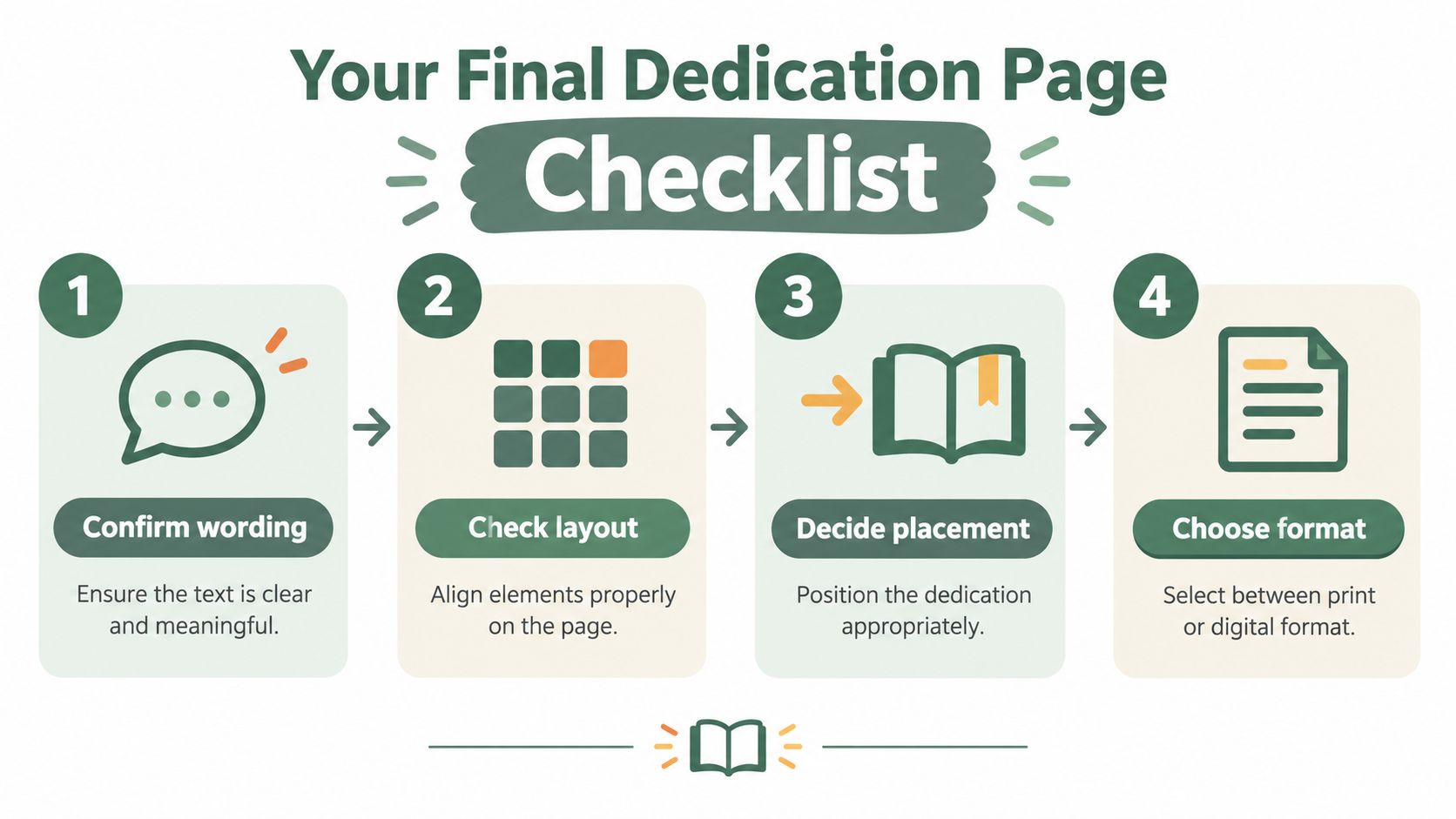
- Confirm the wording. Decide exactly whom you're addressing and what you want to express. Read the sentence aloud, remove explanations that belong in the acknowledgments, and check consent for every living person named.
- Choose the placement. Put the dedication in the front matter, after the title and copyright material and before the table of contents or first chapter. For a printed book, plan for the recto side when the structure allows it.
- Lock in the layout. Use one short block of text, centered horizontally and vertically. For print, a comfortable serif body font at 11 or 12 points is a practical starting point. For an ebook, test the text at the reader's default size and at larger settings. Leave the dedication itself without a page number.
- Review both formats. Inspect a print PDF or physical proof, then open the EPUB or Kindle preview. Check line breaks, italics, spacing, page or screen breaks, and every special character.
Give the page time
Draft the dedication, then leave it alone for a day. Return to it when the first rush of emotion has softened. Ask whether the wording still sounds like you, whether the named person would feel respected, and whether a reader can understand the sentiment without access to private family context.
A dedication may occupy only a small part of the book, but it sets the emotional tone for everything that follows. It tells readers where the work comes from and who sits close to its center. Once the words, placement, layout, and format agree with one another, the blank page becomes a meaningful beginning rather than a production problem.
remembers.life helps families create a guided digital memorial book by collecting stories, photographs, memories, and voice recordings into a lasting family archive. If you want support preserving the person or family story behind your dedication, visit remembers.life and begin shaping those memories into a book.